Registering Your Computer
In order for your computer to operate on our wired network, you must register your computer's hardware address using your UMass Dartmouth email username and password.
- Configure your computer to use DHCP for IP addressing.
- Connect your computer to an Ethernet port.
- Open any web browser. Your computer should default to the network registration page. If it does not, enter the following web address into your browser's address bar: https://netreg.umassd.edu
- Enter your UMassD Logon (email) username and password, then click the Login button.
- Read through the Responsible Use Policy.
- Scroll to the bottom, and click the link to agree and register.
- You will see the following page, with your device's 12-digit hardware address.
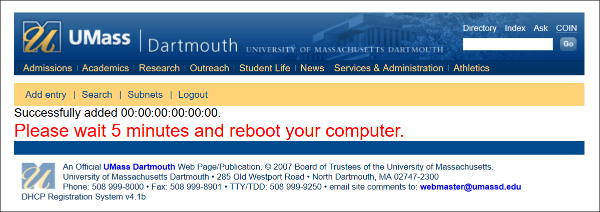
8. Wait 5 minutes, then restart your computer. After the reboot, your computer will be on the network.